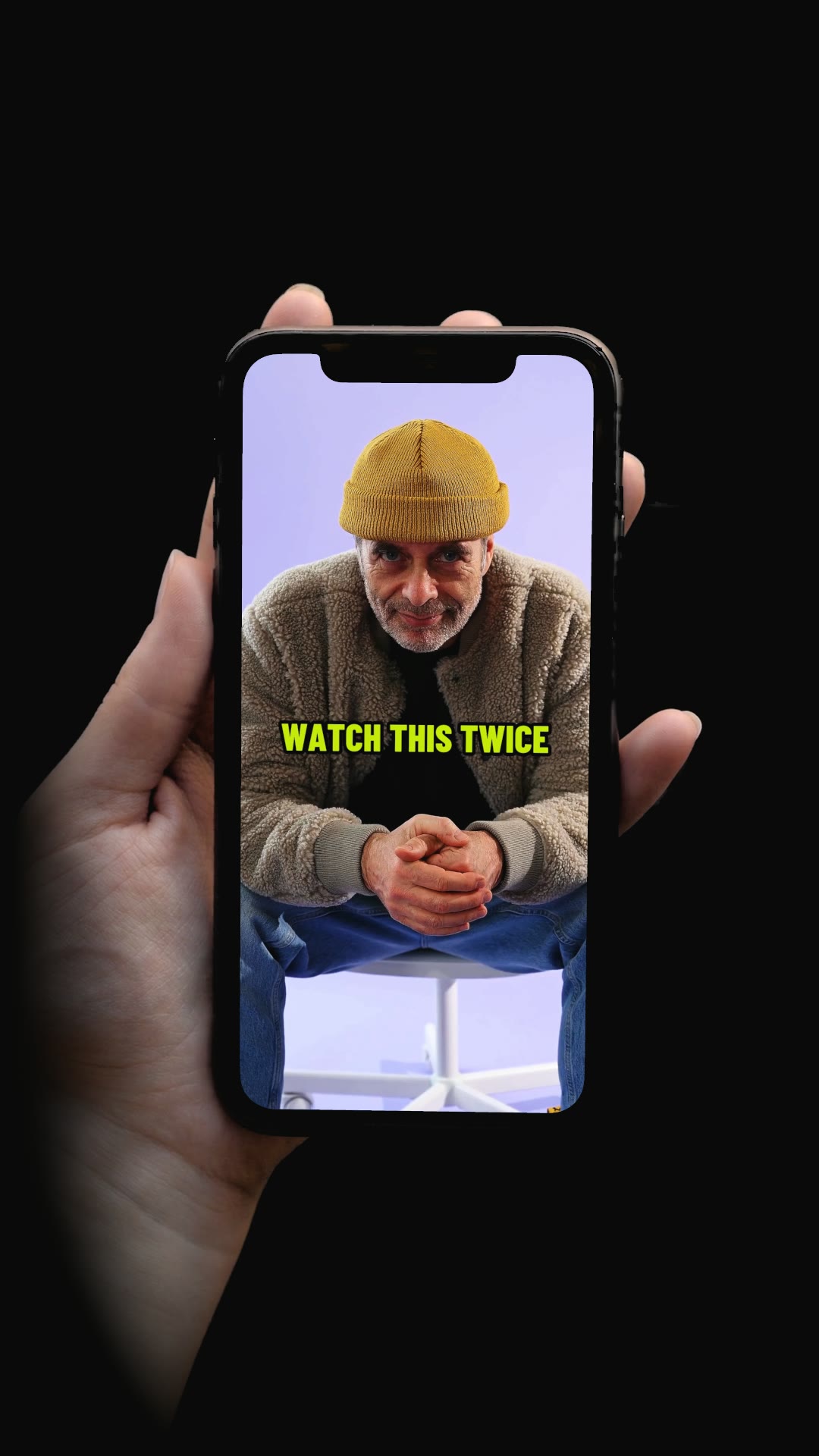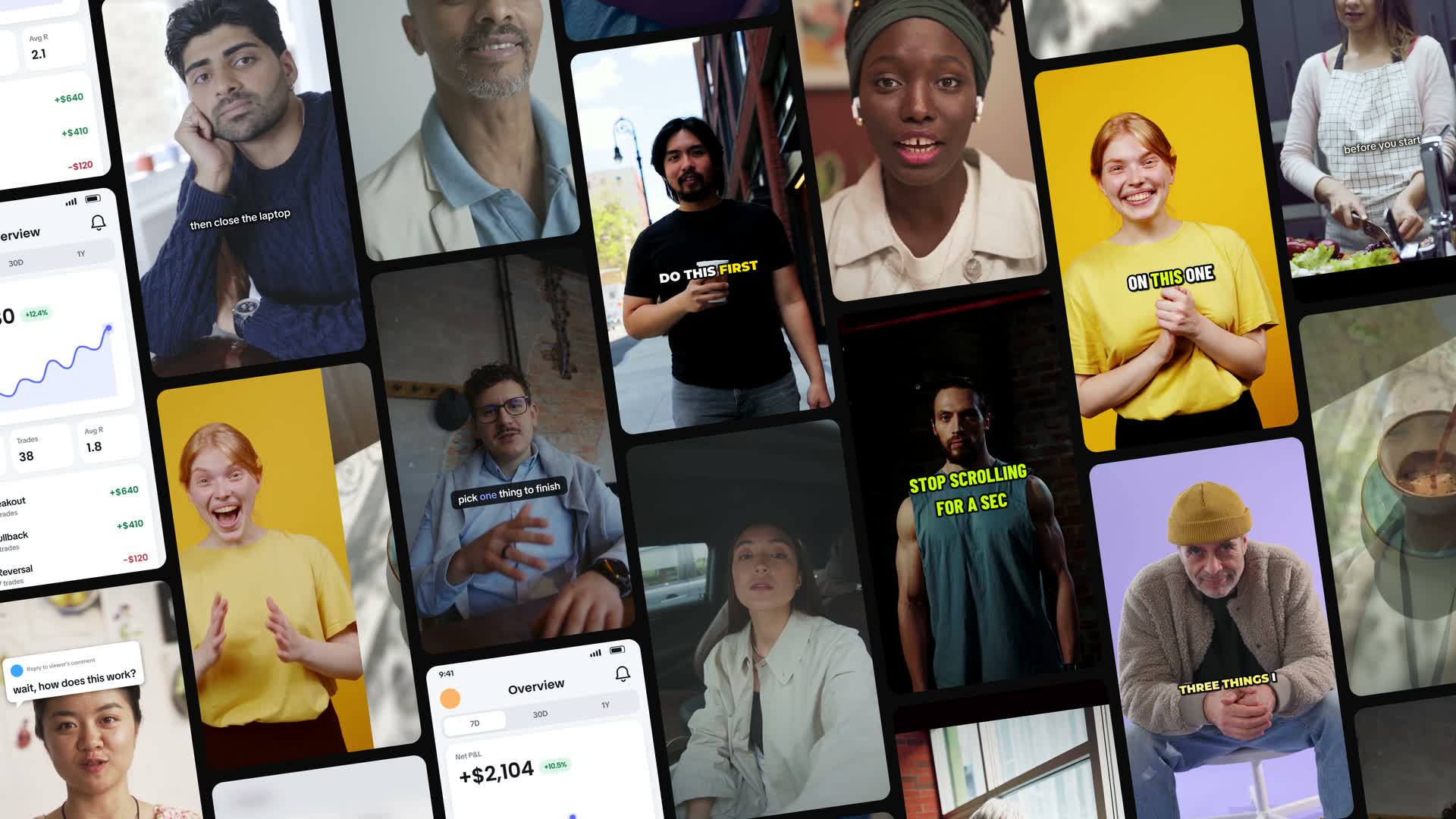
How it works
Paste a link.
A product page, store or app. vid3k imports the product and suggests your brand kit.
Pick a template.
Start from the gallery. Your product comes along.
Run it.
Watch it build, stop it any time, and pick your take when it asks.
URL to Video: Paste. Approve.
- Link
- A website, store or app. Shopify, App Store, Google Play or any site.
- Import
- The product and its images, plus videos when the page links them.
- Brand
- Your brand kit, filled in as a suggestion. You approve it.
- Run
- Pick a template and go.
Flows: Stop. Rerun. Pick.
- Templates
- Start from a template. About three clicks to run.
- Price
- Every node shows its price before it runs.
- Control
- Stop, rerun one node, or pick a take before it continues.
- Live
- A failure blocks only what depends on it. Every run is tracked live.
Avatars: Same person. New angle. New outfit. New setting.
- Library
- A library of people, each with several looks.
- Yours
- Create your own from a description or a photo.
- Looks
- New angles, outfits and settings, holding your product.
- Use
- Put them in any format.
Brand kit and products: Every brand on file.
- Brands
- Several per space, each with its own logo, colors and tone.
- Products
- Save a product with its images and details, then use it in any template.
- Import
- Fill either one from a link, then approve what it found.
- Claims
- Note what you can't say. It shapes every script.
Formats, Studio and Voice: Pick a format.
Hook + Demo
A 2 to 5 second hook with text over it, cut into your own demo.
Text on Screen
A photo or clip behind a bold line of on-screen text.
Photo
One photo from a prompt and references.
Video
A whole ad, scripted and generated clip by clip, then finished.
Studio
Chat with your brand in context, then send the script to Video.
Voice
Open-source voices, or clone yours from a short sample.
One take. Every hook.
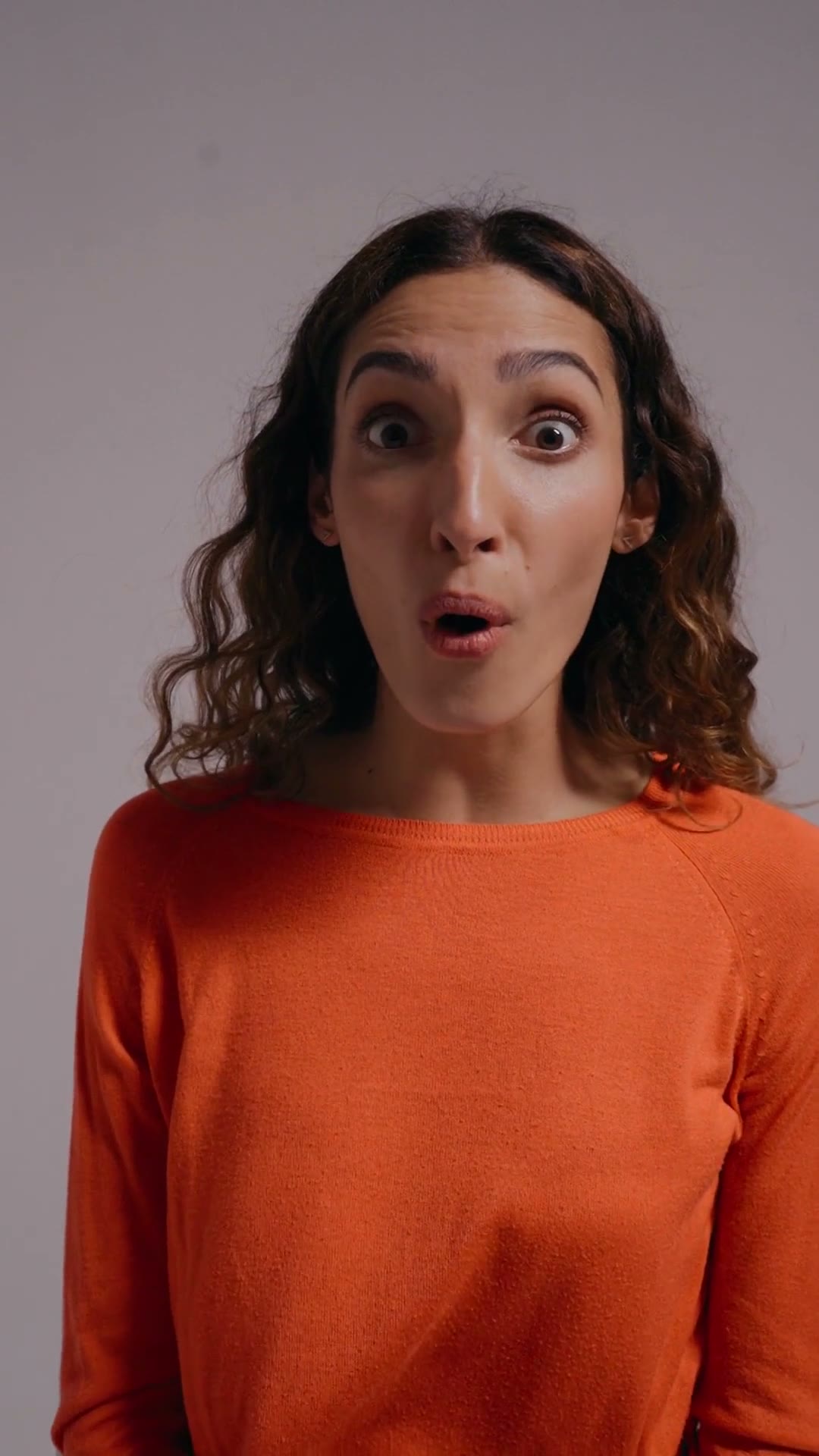
Hook. Cut. Demo.
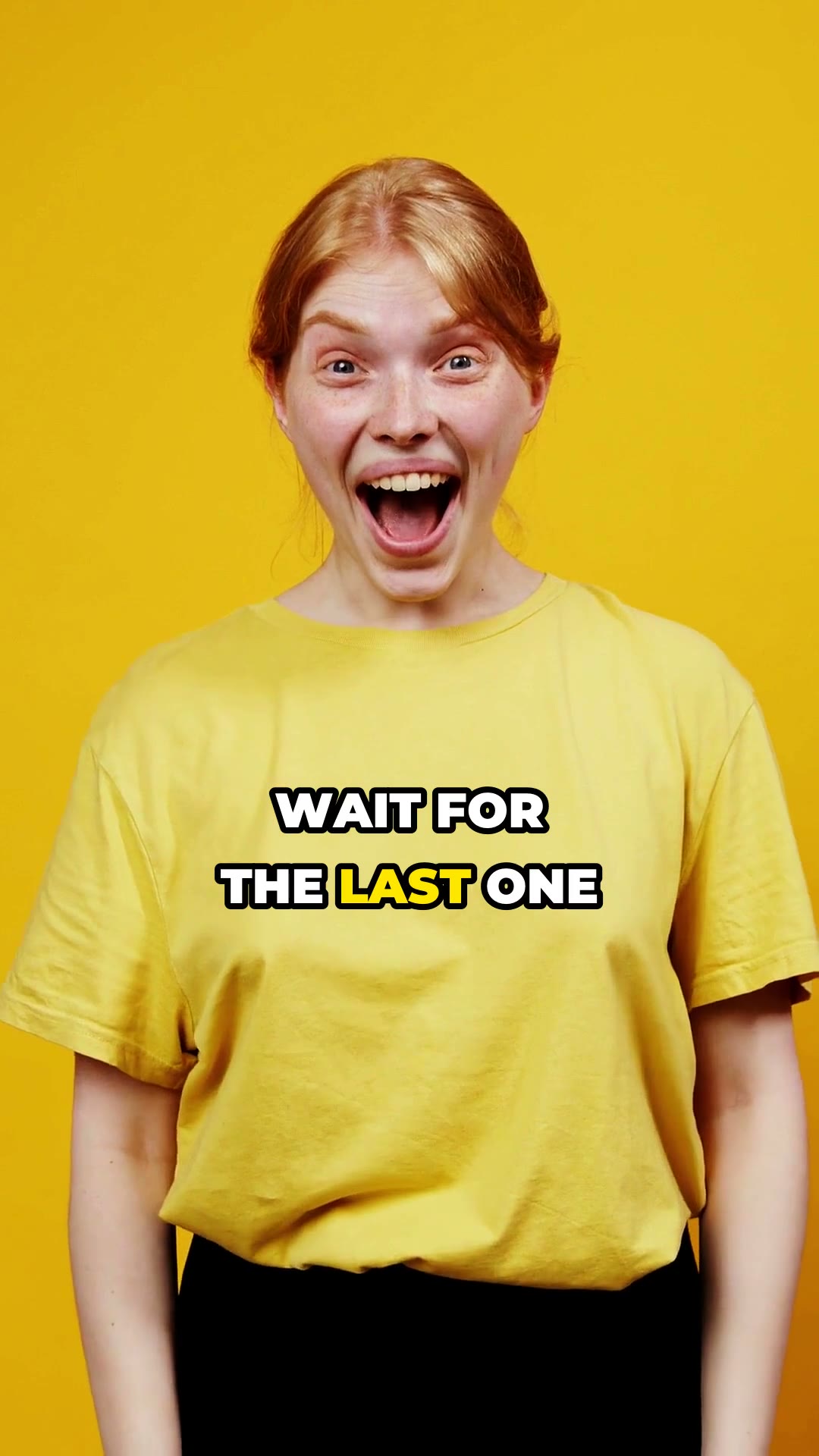
wait for the last one
21 looks, calm to loud.
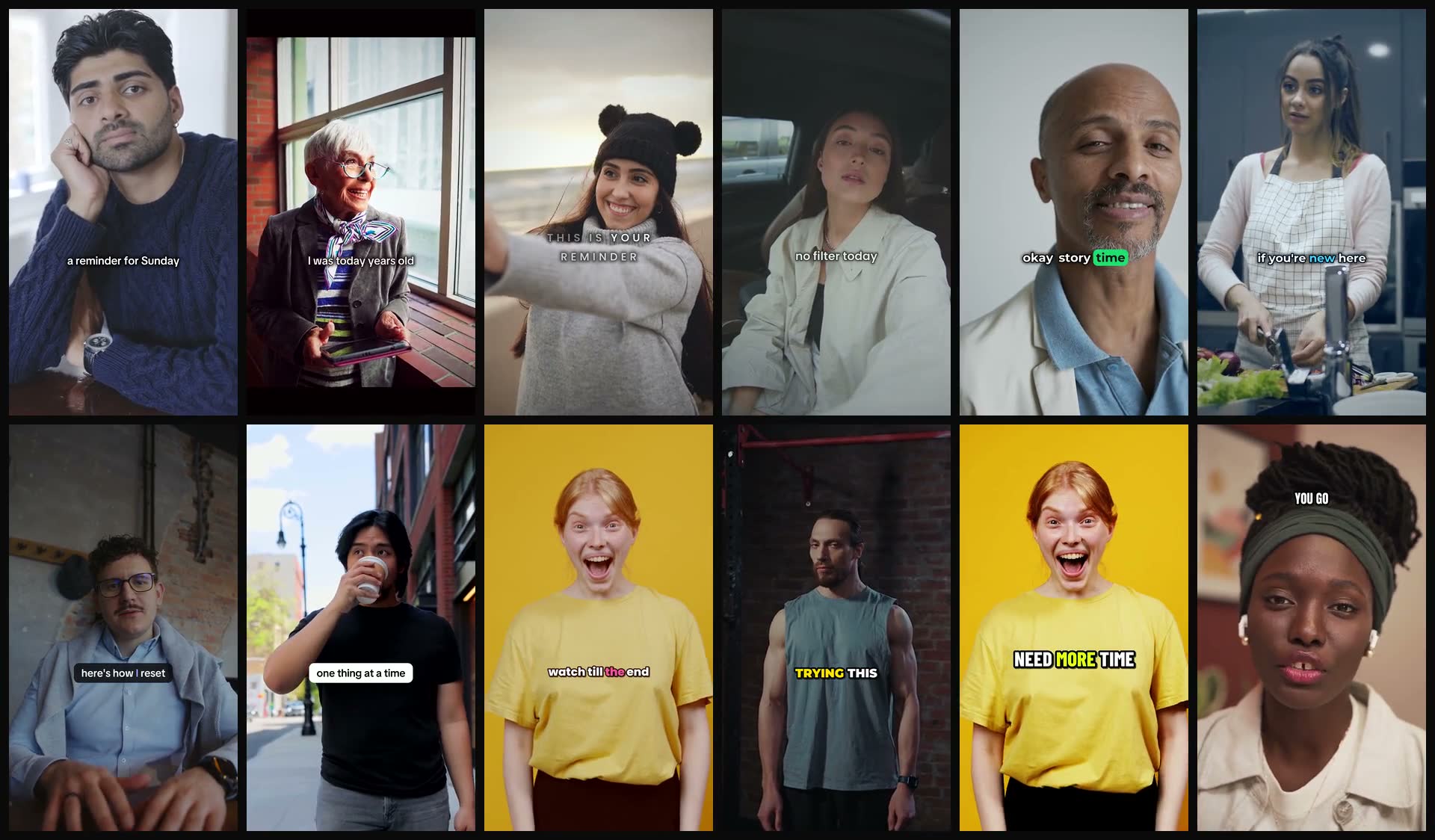
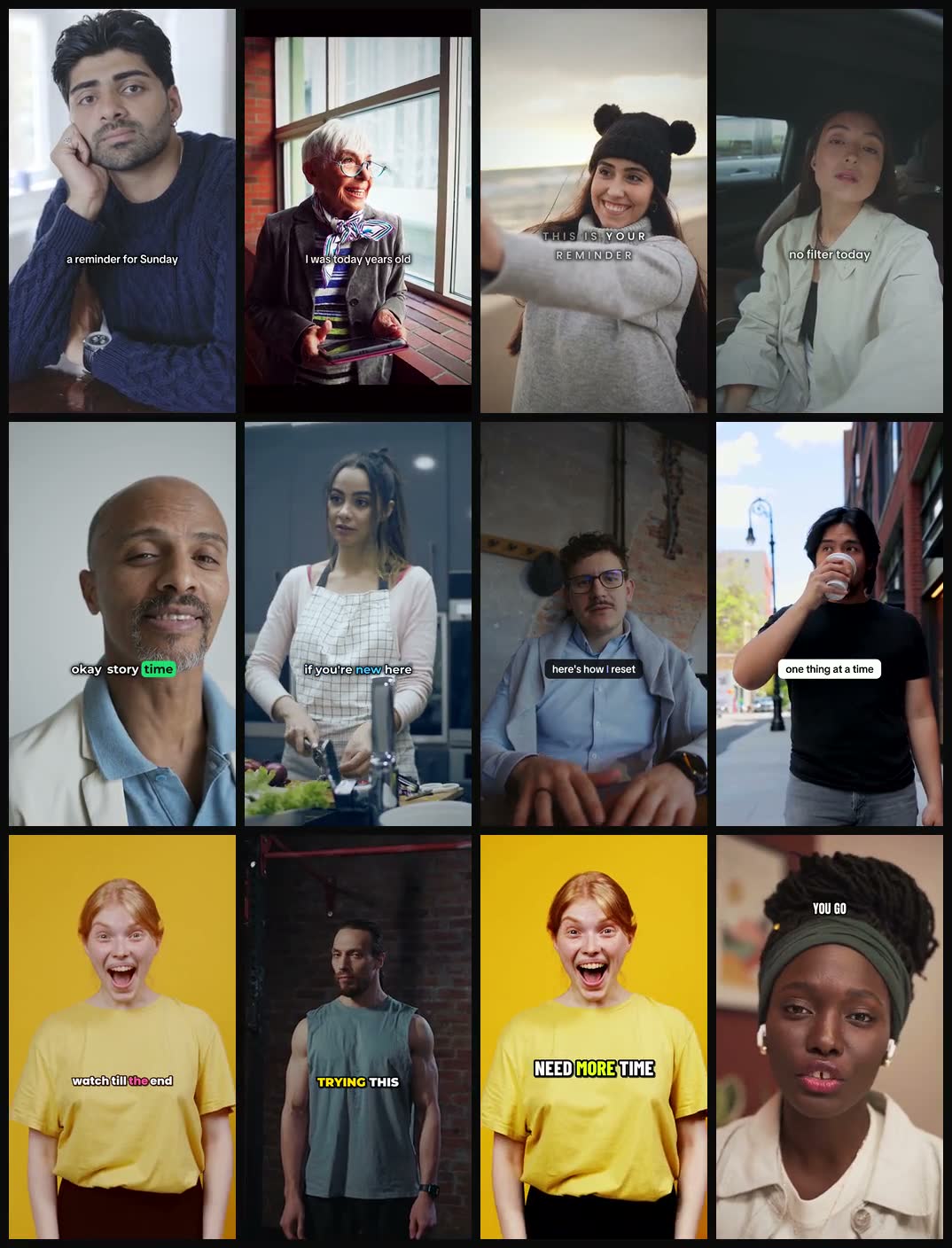
- Clean
- Story
- Luxe
- Vlog
- Podcast
- Explainer
- App
- Product
- Upbeat
- Bold
- Hype
- Meme
Library, projects and spaces for teams
- Library: Media, avatars, products, sources and presets
- Projects: Group work by brand or campaign
- Sources: What went viral, and why
- Spaces: Everything shared with your team
Frequently asked questions: Questions.
What does vid3k make?
Short-form 9:16 ads, photos and promos.
Which formats are there?
Hook + Demo, Text on Screen, Photo and Video, plus Flows for templates.
Which links can URL to Video import?
Product pages, Shopify stores, App Store and Google Play listings, or any website.
How long is a Hook + Demo hook?
2 to 5 seconds, with text over it, cut into your own demo.
Can I use my own music?
Yes. It sits under speech automatically.
Can I clone my voice?
Yes, from a short sample. Cloning someone else's voice needs their permission.
How do teams work?
Everyone in a space shares its work. Your personal space is only yours.
What if a step fails?
Retry that one step. The rest keeps going.
Can I run several generations at once?
One at a time per person, so one teammate never blocks the rest of the space.
Which models does it use?
You pick from 16 video models, 4 talking-avatar models and 8 image models.
Can I use what I make commercially?
Yes. The images, video, audio and text vid3k makes for you are yours to use, commercially or personally, under the Terms.
Does vid3k train AI on my content?
No. vid3k doesn't sell your information or use your content to train AI models.
How long are unpicked takes kept?
7 days. Avatar options and hook takes you don't pick are deleted then, unless you save them to the Library.
How do I get in?
Get an invite from a space admin, then sign up with that email.
Got the invite?